Choose a Speaker Presentation Recording Studio
Choose a speaker presentation recording studio with LED visuals, clean audio, expert support, and fast edits built for business content that performs.
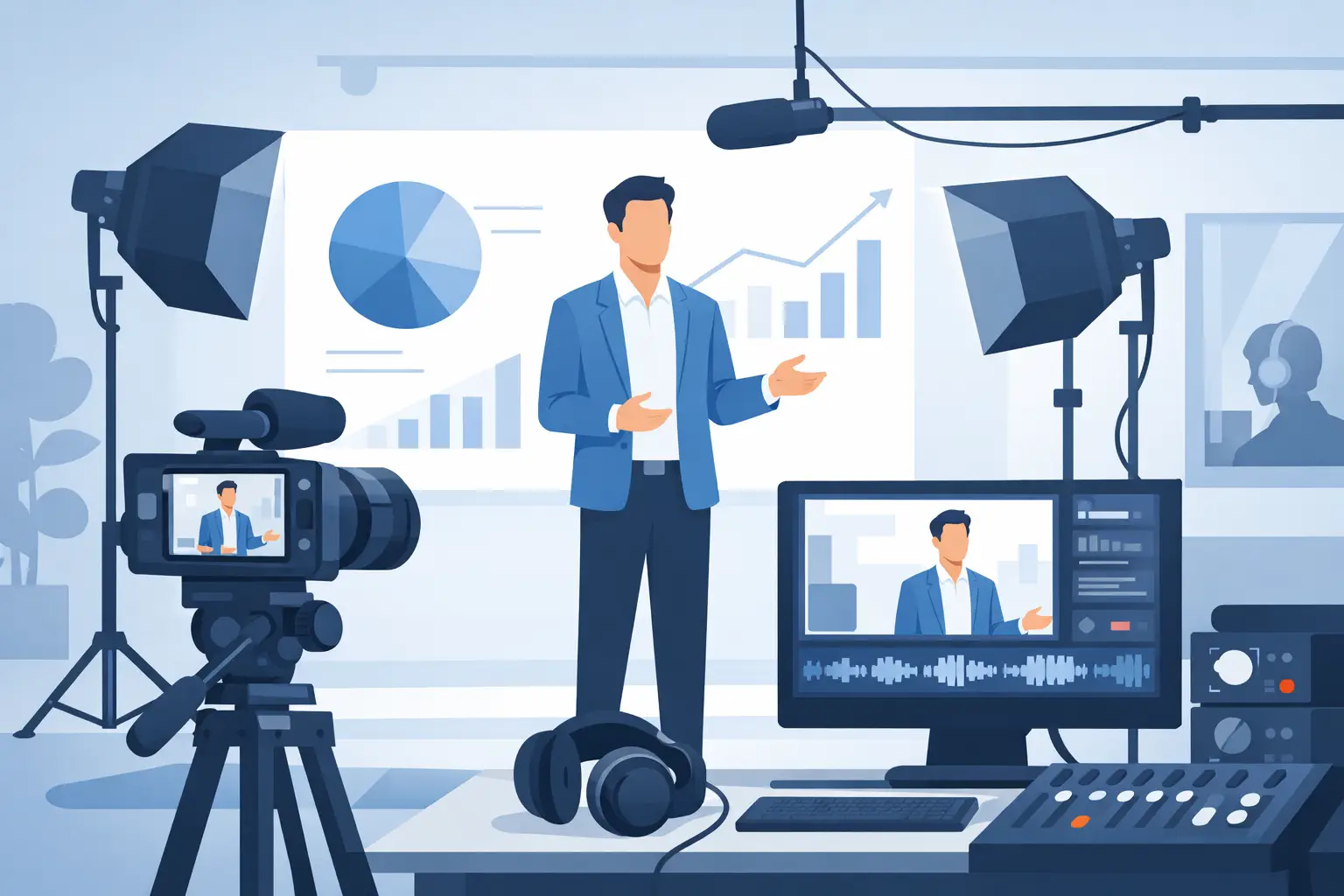
A strong keynote can lose impact the moment it is recorded in a boardroom with flat lighting, distant audio, and a generic background. A speaker presentation recording studio gives the message the production standard it deserves - while turning one session into a full library of usable business content.
For founders, trainers, corporate teams, and professional speakers, the objective is not simply to capture a talk. It is to create a clear, credible presentation that works on a landing page, in an internal training portal, on LinkedIn, at an event, and in short vertical clips. That requires a prepared environment, a defined recording format, and a post-production plan before the speaker steps on set.
What a Speaker Presentation Recording Studio Must Deliver
A presentation recording studio should remove variables, not add them. The room needs enough space for the speaker to move naturally, accommodate a teleprompter or confidence monitor if required, and position cameras without turning the frame into a technical obstacle course.
Sound comes first. Viewers will accept a deliberate visual style, but they will stop watching when the speaker sounds distant, echoey, or inconsistent. Proper microphone selection, controlled room acoustics, and sound monitoring during the session protect the recording before editing begins. Audio cleanup can improve a track, but it cannot fully rescue a poorly captured presentation.
Lighting has a similar job: it must be flattering, repeatable, and built for the content format. A speaker delivering a 30-minute masterclass needs a stable, polished setup. A founder recording 25 short clips needs enough visual variation to avoid a feed where every video looks identical. The right studio can do both without wasting time rebuilding the room between takes.
The background is where a production-ready studio earns its value. A large LED screen can display branded graphics, presentation slides, motion visuals, virtual environments, or a clean color field. Instead of projecting slides onto a wall and hoping they read on camera, the speaker becomes part of a designed visual frame.
Start With the Final Use, Not the Camera Setup
Before choosing a studio or booking a recording day, decide where the footage needs to perform. A conference opener, a sales presentation, a leadership message, and a course module may all feature the same speaker, but they demand different pacing, screen layouts, and edit structures.
For a long-form presentation, the priority is continuity. The speaker needs consistent audio, readable slides, clean camera angles, and a process that makes retakes easy. It may be useful to record in chapters rather than force one uninterrupted performance. Chapter-based recording reduces pressure on the speaker and gives the editor natural points for graphics, screen changes, and corrections.
For social content, the priority shifts to volume and hooks. The same presentation can be broken into direct answers, contrarian points, short frameworks, client objections, and practical examples. A four-hour shoot can produce a polished main video plus a month of short-form assets when the team plans those cutdowns from the beginning.
Do not treat short clips as an afterthought. Ask which statements should open a Reel, what visuals will support them, and whether the speaker can repeat a key point in a tighter version. Those purposeful pickups take minutes on set and save hours in post-production.
LED Visuals Change the Presentation Format
A speaker beside a slide deck is familiar, but it is not always the strongest visual solution. On an LED stage, slides can become part of the composition. A full-screen chart can sit behind the presenter. Brand colors can shift between sections. A product interface, campaign film, or data visualization can support the message without requiring the viewer to look away from the speaker.
This is especially useful when the material would otherwise rely on a small laptop screen or a plain backdrop. A large-format LED setup creates scale on camera and gives corporate content a more considered finish. It also allows teams to create multiple visual scenes during the same booking - a keynote look, a branded interview look, a clean educational layout, and a high-energy social setup.
There is a trade-off. LED visuals need preparation. Screen content should be built at the correct resolution, tested for legibility, and designed with the camera frame in mind. Fine text, weak contrast, and dense slides that work in a conference room can fail on video. Keep screen copy minimal, use large type, and let the speaker explain the detail.
A mirror floor can add depth and a premium visual effect, but it should serve the concept. It works well for bold brand films, launch presentations, and executive messaging. For a highly technical training session, a cleaner frame may be more practical. The strongest studio setup is the one that makes the idea easier to understand.
A Practical Recording Plan for Speakers
The most efficient presentation days follow a simple sequence: prepare the message, record in planned blocks, then move directly into post-production. Trying to write, rehearse, design slides, and select social clips during the studio booking creates unnecessary delays.
Bring a final presentation outline, not just a collection of ideas. Mark the opening, key transitions, proof points, and closing statement. If slides are part of the format, send them for technical review ahead of time. If the presentation will be read from a teleprompter, write for speech rather than for a report. Short sentences, natural transitions, and deliberate pauses are easier to deliver and easier to edit.
On set, capture more than the main run-through. Record an alternative opening, a concise version of the strongest message, and a few direct calls to action. If the speaker has multiple audience segments, record tailored closings for each one. These are efficient additions that make the final content more flexible for sales, events, and social distribution.
A useful shot plan usually includes a primary camera angle for the full presentation, a tighter angle for emphasis and edits, and selected detail shots where appropriate. The goal is not camera quantity for its own sake. It is to give the editor enough variation to maintain pace while keeping the speaker credible and focused.
How to Choose the Right Studio Partner
The studio itself matters, but the workflow matters just as much. A beautiful room with unclear technical support, slow handoff, or no editing plan can create more work for your team. Look for a partner that can explain what is included, how the recording will be organized, and when finished assets will be delivered.
For production companies and independent crews, flexibility is essential. You may need a spacious stage, prepared lighting and sound infrastructure, room for a crew of up to 20, and the freedom to bring your own equipment and operator. For a business client, a turnkey format may be the better decision: arrive with the message, record with a guided team, and receive ready-to-publish content without coordinating separate vendors.
Ask direct operational questions before booking:
- Is the LED screen available for presentation graphics, branded visuals, or virtual production scenes?
- What sound and lighting equipment is already prepared, and who monitors it during recording?
- Can the studio support long-form presentations and vertical short-form content in one session?
- What is the editing scope, file delivery process, and turnaround time?
- Is there enough room for your crew, client team, teleprompter, and camera positions?
Price should be clear as well. An hourly rental can make sense when your team already has a production workflow. A package is often more efficient when you need filming, editing, presentation recording, and short-form deliverables managed together. Compare the total output, not only the hourly rate.
Turn One Presentation Into a Content System
The best recording sessions create more than a finished talk. They generate assets that keep working after the event or launch is over. One well-planned speaker session can provide a full keynote recording, chapter clips, short vertical videos, cutaways for paid campaigns, quote-led social posts, and internal training segments.
That output depends on organization. Label each section, note the strongest timestamps, and agree on priority clips while the material is fresh. Fast turnaround is most valuable when it is connected to a publishing plan. If a team can receive ready Reels within 24 hours, it can respond to a campaign, event, or announcement while attention is still high.
At PROS.CRTV, the 90+ m² Dubai studio is built for that kind of production day: LED visuals, mirror floor, prepared lighting and sound, and an operating model that can move from shoot to ready Reels within 24 hours. For speakers and corporate teams, it replaces the fragmented process of booking a room, sourcing a crew, arranging edits, and chasing files across multiple vendors.
A great presentation deserves more than a recording that proves it happened. Plan the studio day around the message, the audience, and the next 30 days of distribution, and the camera becomes a practical engine for business content.
Ready to shoot this?
Bring the brief to the stage — LED wall, mirror floor and a crew that turns ideas like this into finished content — same day on selected packages.
Book the studio