Corporate Presentation Video Production That Delivers
Corporate presentation video production with a clear plan, LED-ready visuals, polished sound, and fast edits built for teams that need to publish on time.
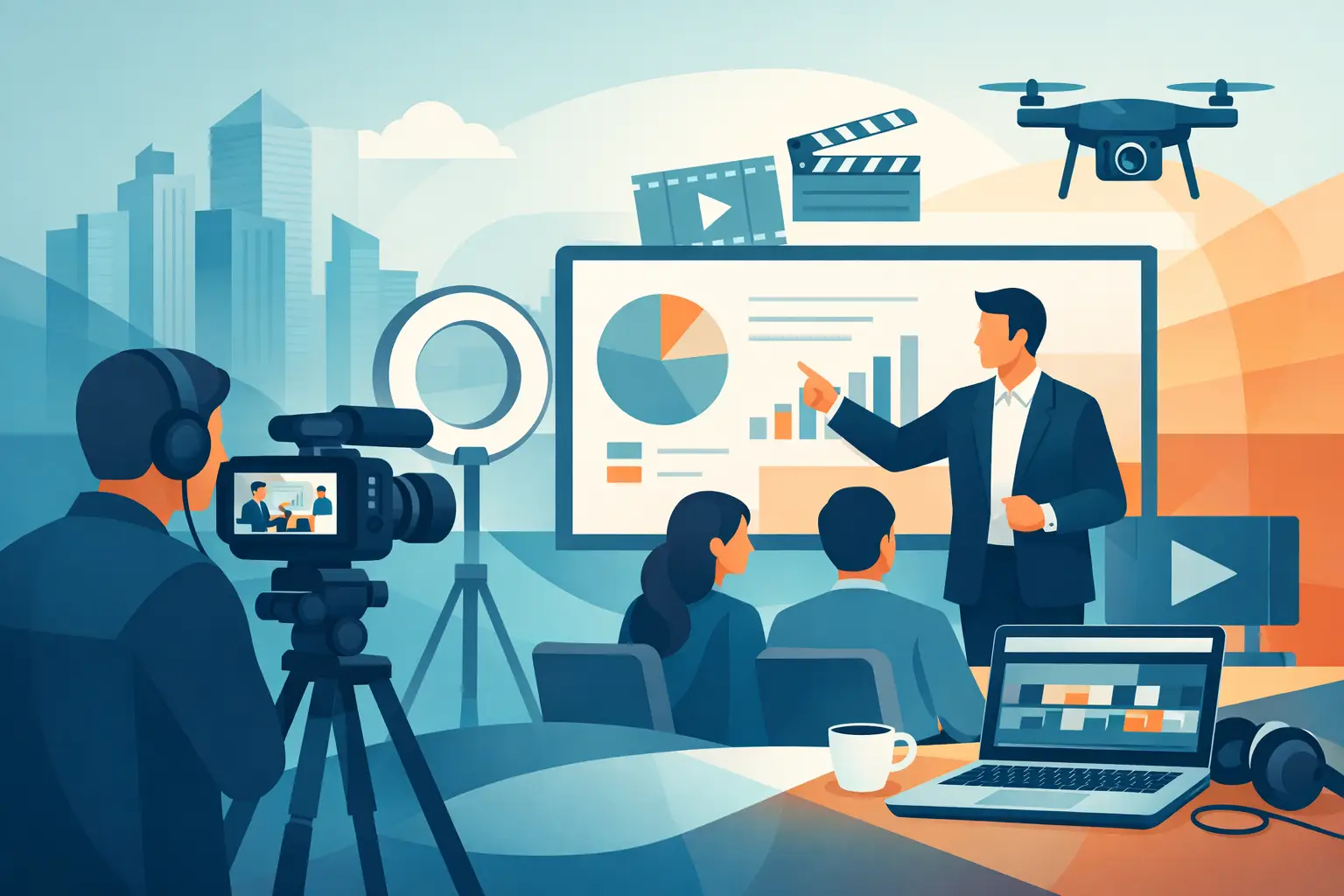
A presentation can be excellent in the room and still lose its impact on camera. Slides may look flat, voices may sound distant, and a speaker who is confident with a live audience can feel stiff when facing a lens. Corporate presentation video production solves that gap when it is planned as a production, not treated as a simple recording.
For corporate teams, trainers, founders, and event organizers, the goal is rarely just to archive a talk. You need a polished long-form video, short clips for social channels, clean audio for internal use, and visual assets that can keep working after the presentation ends. The production setup has to support that output from the first minute of the shoot.
What Corporate Presentation Video Production Should Deliver
A finished presentation video should make the message easier to follow, not merely prove that an event happened. That means the presenter is properly framed and lit, the screen content is readable, and the sound is clear enough for viewers on laptops, phones, and conference-room displays.
It should also fit the way content is actually used. A 30-minute leadership presentation may be valuable for a website, investor update, or internal training portal. The strongest statements inside it may be more useful as 30- to 90-second clips for LinkedIn, Instagram, sales outreach, or employee communications. Planning for both formats at once is more efficient than trying to rescue vertical clips from a wide recording later.
The trade-off is simple: more deliverables require more planning. If the team wants a full presentation, multiple camera angles, branded graphics, speaker close-ups, and 25 or more short clips, those decisions need to be made before the shoot. A fast turnaround depends on a defined format, approved messaging, and a clear edit scope.
Build the Shoot Around the Audience, Not the Stage
Many corporate presentations are designed for a room. Video viewers have a different experience. They cannot feel the energy in the venue, read the atmosphere, or see a slide from across the room. They decide within seconds whether the speaker and subject are worth their attention.
Start by deciding who will watch and what they should do next. An internal training video needs clarity, practical examples, and reliable screen visibility. A founder presentation may need authority, a premium visual environment, and short statements that can be published quickly. An event keynote often needs both: a complete record for attendees and edited highlights that extend the event's reach.
Then adapt the presentation for the camera. Keep slides clean and high contrast. Avoid placing essential text at the extreme edges, where it can be lost in a crop. Build natural pauses between sections so editors can create clean short clips. If a presenter will reference charts, product demos, or visual examples, rehearse where they will look and how they will move.
A script is not always necessary. A running order is. It should identify the opening statement, core sections, visual cues, intended calls to action, and any moments that must become standalone clips. This gives the presenter room to speak naturally without leaving the production team to guess what matters most.
Why the Studio Setup Changes the Result
A hotel ballroom or office meeting room can work for a live event, but it often introduces production problems: mixed lighting, reflective walls, outside noise, limited camera positions, and screens that do not reproduce well on camera. Fixing those issues in post-production is slow, expensive, and sometimes impossible.
A production-ready studio gives the team control. Professional lighting separates the speaker from the background and keeps skin tones consistent. Treated sound and dedicated microphones make the presenter understandable without aggressive audio cleanup. Multiple camera positions provide edits that feel intentional rather than static.
An LED screen adds another level of control. Instead of placing a speaker in front of a generic backdrop, the screen can carry presentation slides, event branding, product environments, data visuals, or a virtual location. With a mirror floor and considered lighting, the result can feel closer to a broadcast segment than a standard meeting recording.
That flexibility needs disciplined design. A busy LED background can compete with the presenter. Thin text, small tables, and overly bright graphics may look acceptable on a laptop but fail at camera distance. Use bold type, generous spacing, and visual hierarchy. The speaker remains the focus; the screen supports the message.
A Practical Workflow for Corporate Teams
The fastest shoots are not rushed shoots. They are prepared shoots with decisions made in the right order.
1. Define the output before booking
Confirm the main video length, the number of short edits, the publishing platforms, and the deadline. A team that needs a month of social content has different shooting requirements than a team creating a single internal leadership update. This step also determines whether to shoot horizontal, vertical, or both.
2. Prepare presentation assets for the screen
Send slides, logos, video inserts, and brand guidelines in advance. Test them on the intended display format. If the presentation includes confidential information, separate the slides that can appear in public clips from those intended only for the full internal recording.
3. Record with editing in mind
Presenters should repeat a strong line if they know it landed well. They should leave a brief pause before and after key statements. These small habits create cleaner edits and reduce the need for retakes. A producer can also prompt the speaker to deliver a concise version of a major point specifically for social use.
4. Review the priority moments quickly
Not every edit needs the same level of refinement. Identify the must-have clips, the preferred opening, and any wording that requires legal or brand approval. Fast post-production works best when feedback is focused and one person owns final sign-off.
At PROS.CRTV, this workflow can combine a large LED setup, prepared lighting and sound, recording, and ready-to-publish Reels within 24 hours. The point is not to add production complexity. It is to replace scattered vendors and slow handoffs with one controlled shoot.
Choose the Right Format for the Message
There is no single best format for every corporate presentation. A CEO announcement may work best with a direct-to-camera setup, supported by branded LED visuals and a few cutaway shots. A trainer explaining a process may need a screen-led format where slides, diagrams, and demonstrations stay visible throughout.
For panel discussions, the priority is usually camera coverage and clean audio for each person. For product launches, the visual environment may carry more weight, with the LED screen showing product renders, launch graphics, or customer scenarios. For thought-leadership content, a speaker can record several focused segments in one session, creating a library of short, useful videos rather than one long presentation.
The right choice depends on distribution. If the video will live behind an internal portal, depth matters more than speed. If it supports a campaign, the opening 10 seconds and the volume of usable clips matter more. If it will play at an event, resolution, aspect ratio, and screen compatibility become non-negotiable.
Common Mistakes That Slow Down Production
The most common issue is treating the presentation deck as the entire production plan. Slides do not determine camera framing, microphone placement, background design, editing rhythm, or short-form cut points. Those elements need their own decisions.
Another mistake is trying to record too much in one continuous take. A polished presentation can still be delivered in sections. Recording chapter by chapter gives the presenter a reset, makes revisions manageable, and creates natural edit points. It is usually faster than pushing through mistakes for an hour and hoping post-production can hide them.
Finally, do not leave approval until the end. When marketing, leadership, legal, and event teams all need input, establish who approves the final content before cameras roll. A 24-hour edit cycle is valuable only when feedback can move at the same speed.
Make One Shoot Work Harder
A corporate presentation is a concentrated source of expertise. One well-prepared shoot can produce a flagship video, event playback material, sales enablement clips, social posts, speaker introductions, and internal training segments. The return comes from designing the session around those uses instead of recording first and searching for value later.
Book the format that matches the message, prepare the assets, and give the presenter an environment built for camera. When the screen, sound, lighting, and edit plan are ready before the first line, the final video has a much better chance of being watched, shared, and used.
Ready to shoot this?
Bring the brief to the stage — LED wall, mirror floor and a crew that turns ideas like this into finished content — same day on selected packages.
Book the studio