Presentation Video Service for Fast, Polished Talks
Choose a presentation video service for polished talks, LED visuals, clear sound, and ready-to-publish short clips delivered within 24 hours in Dubai.
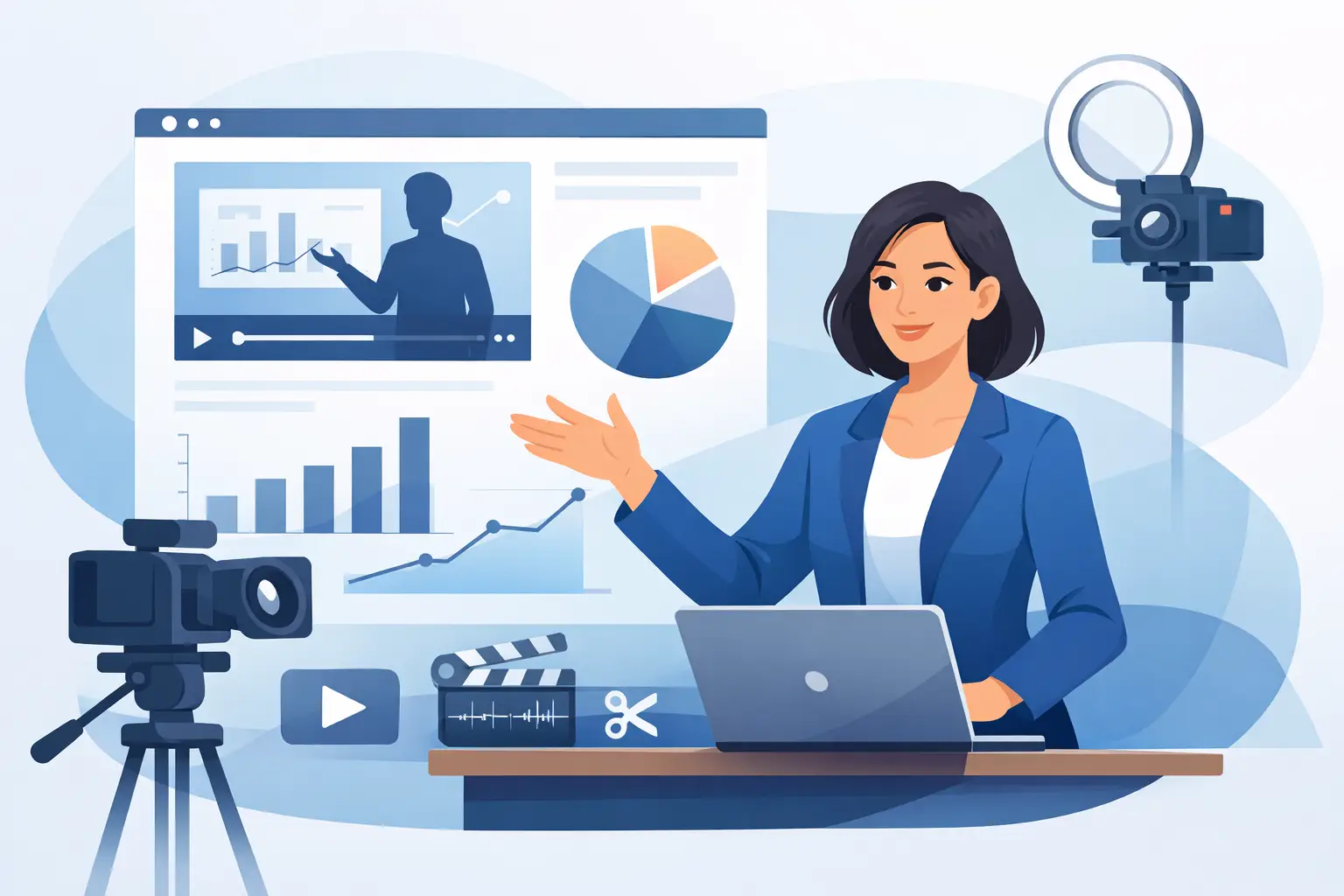
A strong presentation can lose authority the moment it is recorded in a poorly lit room with weak sound and a distracting background. A professional presentation video service solves that problem before the speaker steps in front of the camera. It brings the space, lighting, audio, screen visuals, crew, and editing process into one controlled production day.
For founders, trainers, corporate teams, and speakers, the goal is not simply to capture a talk. The goal is to create content people will actually watch, share, and use across events, sales outreach, LinkedIn, internal communications, and short-form social channels.
What a Presentation Video Service Should Deliver
A presentation recording should feel clear, intentional, and easy to follow. That starts with the practical details: clean audio, flattering lighting, a camera angle that supports the speaker, and visual material that stays readable on screen. It also requires a workflow that does not create weeks of back-and-forth after the shoot.
The best setup depends on the job. A leadership message may need a direct-to-camera format with branded graphics. A trainer may need a full presentation screen, slides, product demos, and several camera angles. A keynote speaker may need a high-impact environment that can be repurposed into clips before the next event.
The common requirement is control. Your message, visuals, and delivery need to work together from the first take.
The studio changes what is possible
Recording a presentation in an office can be convenient, but convenience often creates limitations. Window light changes, rooms introduce echo, meeting tables clutter the frame, and there is rarely enough depth for a professional camera setup. Fixing these issues in post-production can cost more time than planning the shoot properly.
A production-ready studio gives the team a controlled environment from the start. At PROS.CRTV, a 90+ m² Dubai studio provides a large LED screen, mirror floor, prepared lighting, sound, and space for crews of up to 20 people. This is useful when a presentation needs more than a basic talking-head recording.
The LED screen can carry presentation slides, branded motion graphics, product interfaces, event visuals, or a custom virtual background. Instead of placing a speaker in front of a blank wall and adding graphics later, the visual direction can be part of the live shoot. That gives presenters something real to reference and gives editors cleaner source material.
Build the Presentation Around the Viewer
Most business presentations are written for a room. Video requires a different rhythm. A live audience may tolerate a long introduction or a slide packed with text. A viewer watching from a phone will not.
Start by deciding where the final video will be used. A 30-minute training session, a five-minute company announcement, and a 60-second founder message need different pacing, framing, and edit decisions. Trying to make one recording do every job without a plan usually produces a long master file that nobody revisits.
A smarter approach is to record one core presentation and define the outputs before the shoot. The long-form version can serve as the complete asset, while key statements become short clips for social, sales, or internal distribution. This approach protects the speaker's time and creates more value from a single session.
Keep slides readable on camera
Slides that look acceptable in a conference room can fail on video. Small type, dense charts, and low-contrast colors become difficult to read on a mobile screen or when cropped into a vertical Reel.
Use fewer words per slide and give every screen a single job. If the speaker is explaining a complex process, break it into stages instead of showing the entire system at once. If a chart matters, allow enough screen time for viewers to understand it, then create a separate clip where the chart is the focus.
Your camera plan matters here too. Sometimes the best result is a wide frame that includes the speaker and LED screen. Other times, the editor needs a clean full-screen capture of the visual, followed by a close-up of the presenter. There is no single format that works for every presentation. The production plan should follow the message, not force the message into a preset look.
Sound is the credibility check
Viewers will forgive a simple visual setup before they forgive hard-to-hear audio. Echo, air-conditioning noise, inconsistent microphone levels, and room chatter make even a well-delivered talk feel unprepared.
A controlled studio recording creates a consistent sound environment, but the speaker still needs preparation. Avoid clothing that rubs against a microphone. Run through names, technical terms, and product language before recording. Keep water close by, and schedule enough time for a second take when a key line needs more confidence or precision.
For corporate teams, this is particularly valuable. A polished recording of an executive message should not depend on whether the office meeting room happens to be quiet that afternoon.
The Fastest Workflow Starts Before the Shoot
Speed is not just an editing promise. It comes from decisions made before cameras roll. When the deck, script, visual assets, format requirements, and approval process are clear, production can move without unnecessary pauses.
Before booking, confirm the intended deliverables. Decide whether you need a horizontal presentation, vertical short-form clips, photography, clean audio recordings, or multiple versions for different markets. If the team needs captions, branded lower-thirds, or a specific call to action, prepare those details early.
A practical production day usually follows three stages. First, the team checks the presentation, lighting, sound, and screen content. Next, the speaker records the main talk in structured sections rather than relying on one uninterrupted take. Finally, the crew captures extra lines, visual cutaways, and short direct-to-camera hooks that make post-production faster and social edits stronger.
Recording in sections is not a compromise. It is often the better method. It lets speakers reset, correct a phrase immediately, and deliver high-energy versions of the moments that matter most. The final video still feels complete, but the process stays efficient.
Turn One Presentation Into a Content System
A presentation video has more commercial value when it is planned as a content source, not a single file. One well-produced session can create the main presentation, speaker introductions, promotional clips, quote-led Reels, FAQ answers, and internal communications.
This is especially effective for founders and subject-matter experts who have limited time. A four-hour shoot can produce a month of usable content when the team arrives with clear themes and a defined editing plan. Rather than scheduling repeated small shoots, the business captures enough material in one session and publishes consistently afterward.
Short-form clips should not be random leftovers. Each clip needs a complete idea: a clear opening statement, one useful point, and a direct ending. Good topics include a common client problem, a surprising industry lesson, a product misconception, or the strongest claim from the main presentation.
The trade-off is that more outputs require more planning. If your only need is a simple internal recording, a lean setup may be enough. If the presentation supports a launch, personal brand, event, or sales campaign, it makes sense to capture multiple formats while the speaker, studio, and crew are already in place.
Choose a Service With Defined Production Terms
When comparing providers, look beyond camera quality. Ask what is included in the session, how the studio handles screen content, whether sound and lighting are ready on arrival, how many edits are included, and when final assets will be delivered.
Clear terms reduce risk. You should know whether the booking is studio rental only or a managed production package, who is responsible for the presentation visuals, what files you will receive, and how revisions are handled. For production companies and independent crews, a properly equipped facility may be the priority. For corporate speakers, the priority is usually a turnkey team that removes technical decisions from their schedule.
Turnaround also matters. Content tied to a launch, conference, or campaign loses value when it sits in an edit queue. A workflow built for same-day or next-day outputs can turn a shoot into ready-to-publish Reels within 24 hours, keeping momentum high while the message is still relevant.
Your presentation deserves more than a recording that gets uploaded and forgotten. Plan the message, build the right visual environment, and leave the studio with content designed to work long after the final slide.
Ready to shoot this?
Bring the brief to the stage — LED wall, mirror floor and a crew that turns ideas like this into finished content — same day on selected packages.
Book the studio