Speaker Video Packages That Keep Working
Speaker video packages turn one focused studio session into polished presentations, short clips, and reusable thought-leadership content for every channel.
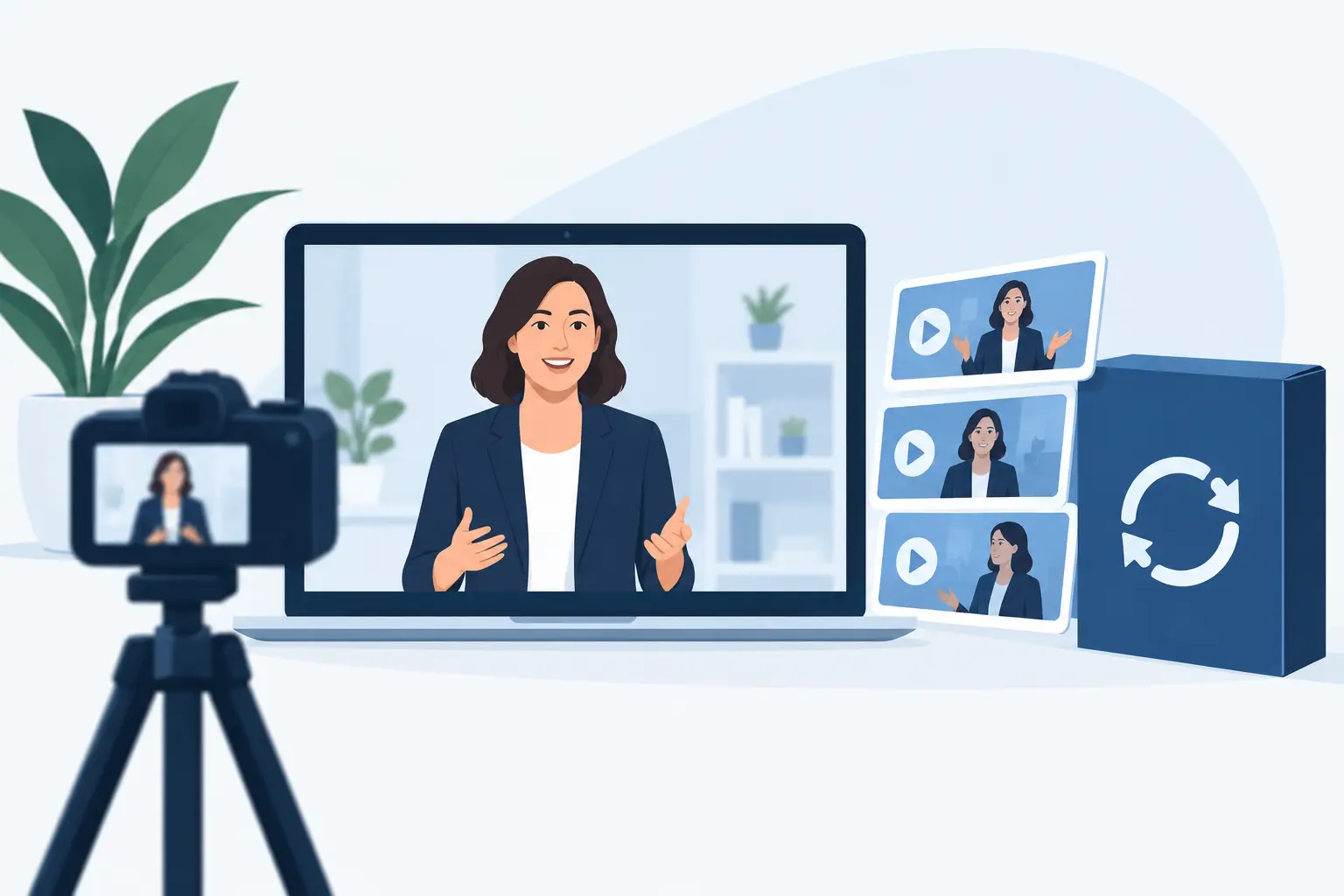
A keynote can take months to develop and disappear the moment the room clears. Speaker video packages change that equation. Instead of treating your presentation as a one-time event asset, they turn a focused production session into a library of polished video built for the stage, LinkedIn, sales conversations, internal communications, and short-form platforms.
For speakers, trainers, founders, and corporate teams, the real value is not simply having a camera pointed at a presenter. It is having the format, lighting, sound, visuals, editing, and delivery plan decided before the first take. That is how a four-hour session can produce content that stays useful long after the recording day.
What a speaker video package should deliver
A strong package begins with a clear job for every deliverable. A full presentation recording builds authority and gives audiences a complete resource. Short clips create reach and give your team material to publish consistently. Presenter cutaways, slide-led moments, and direct-to-camera answers can also support sales decks, event promotion, landing pages, and internal learning.
The package should be designed around the way people will actually watch. A conference audience may give you 30 minutes. A social audience may give you 20 seconds. Both formats can come from the same core message, but they should not be edited as if they are the same product.
At minimum, expect a controlled recording environment, professional camera coverage, prepared lighting, clean audio, a presentation-ready background or screen, and defined edits. The best packages also make deliverable counts and turnaround times clear upfront. If you need content for a campaign launch next week, a vague promise to send files "soon" is not a production plan.
Start with the message, not the camera
The camera setup matters, but content planning determines whether the footage performs. Before booking, identify the one idea you want your audience to remember. Then break it into supporting points that can stand alone as clips.
For example, a leadership speaker might build one presentation around why teams resist change, then record separate sections on communication, decision-making, accountability, and practical first steps. Each section becomes a natural short video without forcing an editor to extract a useful sentence from a 40-minute talk.
This is where many recordings lose value. Speakers arrive with a broad presentation, deliver it once, and hope the edit will create a month of content. Editing can sharpen a message, but it cannot manufacture structure that was never recorded. Plan clear openings, concise examples, and memorable closing lines for each section.
Build in clip-ready moments
You do not need to speak in fragments or make your presentation sound robotic. You do need clean moments that can be understood without the previous five minutes of context. Start selected sections with a direct statement, explain the point, and end with an actionable takeaway.
A useful rule is to prepare several 30- to 90-second ideas alongside the full talk. These can be direct answers to common client questions, contrarian opinions, practical frameworks, or short stories with a clear business lesson. Record them separately after the main presentation if needed. The delivery is usually more focused, and the resulting clips are easier to publish.
Choose the visual format that supports authority
A speaker video package should look intentional, not like an office webcam recording with better lighting. The visual setup tells viewers how seriously to take the message before they hear the first sentence.
For corporate presentations and training, an LED screen can place slides, branded graphics, data, or supporting footage behind the speaker. This keeps the presenter connected to the visual material rather than isolated in a small frame. It also gives production teams more options in the edit, including vertical crops for Reels and horizontal versions for YouTube, websites, or event playback.
For personal-brand content, a clean branded background may be the better choice. The presenter remains the focus, while color, logo treatment, and screen visuals support recognition without competing for attention. A mirror floor, depth in the set, and controlled lighting can make a simple talking-head format feel like a premium production.
There is a trade-off. Complex LED visuals create impact, but they require preparation. Slides should be built in the correct format, tested for readability on camera, and limited to what the audience needs to see. Dense presentation decks rarely work well in video. Large type, simple charts, and high-contrast visuals travel farther across devices.
Why studio conditions matter for speaker content
A speaker cannot deliver with confidence while managing echo, bad lighting, distracting backgrounds, or a failing clicker. Production readiness removes those variables. The room should already have the core infrastructure in place: lighting, sound, camera positions, screen capability, and enough space for the speaker, crew, and client team to work without crowding the set.
Sound deserves special attention. Viewers will tolerate a slightly imperfect image longer than unclear audio. A properly miked presenter, monitored recording, and quiet studio environment protect the credibility of the message. This matters even more for trainers and corporate leaders, where every instruction and data point needs to land accurately.
The same applies to speaker comfort. Teleprompters may help with tightly scripted announcements. For thought leadership, however, many speakers are stronger with structured talking points than a word-for-word script. A good production team can capture multiple takes, keep the pacing moving, and give direction without turning the session into an exhausting all-day shoot.
Define deliverables before the shoot
The difference between useful speaker video packages and a folder of footage is usually decided in the pre-production call. Agree on what will be delivered, in which orientation, and where it will be used.
A practical package may include a complete presentation edit, several short vertical clips, selected horizontal excerpts, clean recordings of key answers, and caption-ready versions for social publishing. Corporate teams may also need a version with branded intro and outro graphics, approved lower thirds, or slides integrated into the frame.
Do not assume every clip should be heavily animated. Motion graphics can add clarity, but they can also slow production and create a dated look when overused. For most speaker content, strong framing, concise captions, clean cuts, and purposeful on-screen highlights are enough. Use graphic layers when they explain a concept, reinforce a statistic, or meet brand requirements.
Turnaround should be part of the decision, not an afterthought. Fast delivery is valuable when a speaker is promoting an upcoming event, responding to a market moment, or supporting a launch. Same-day selections or ready-to-publish short-form edits within 24 hours can keep content connected to the moment it was created for.
A production workflow that keeps the day efficient
The most efficient speaker shoot has three clear stages. First, align on the message, run of show, visuals, and output list. Second, record the primary presentation while the set, sound, and screen are consistent. Third, capture targeted short-form material while the speaker is already camera-ready.
The final stage is where teams can create disproportionate value. Once the main talk is complete, record alternate hooks, event invitations, audience FAQs, and direct calls to action. These short takes often become the highest-performing content because they address a viewer immediately.
Leave enough time for a screen test and a short playback check. A slide that looks perfect on a laptop can feel too small on camera. A jacket that works in person can create visual noise against an LED wall. Small adjustments at the studio save expensive fixes later.
When a package is the better choice than an event recording
Event footage has energy, audience reactions, and real-world proof. It is the right option when the room itself is part of the story. But it also comes with unpredictable sound, limited camera positions, variable lighting, and slides that may not be visible from every angle.
A studio package gives you control. You can repeat a key line, switch the background, record cleaner audio, and capture multiple formats in one session. For speakers building a content system, that control is often more valuable than the atmosphere of a live room.
The strongest approach may be both: use event video for credibility and social proof, then use a studio day to record the refined version of the message. The event proves you speak. The studio footage makes the message easy to distribute.
At PROS.CRTV, the goal is to leave the studio with defined assets, not a production task that lingers for weeks. Bring a focused message, a clear audience, and a realistic publishing plan. One prepared session can give your next presentation a much longer life than the stage ever could.
Ready to shoot this?
Bring the brief to the stage — LED wall, mirror floor and a crew that turns ideas like this into finished content — same day on selected packages.
Book the studio