Top Corporate Video Formats That Drive Action
Choose top corporate video formats that fit your message, audience, and timeline, from executive updates to customer stories and short-form campaigns.
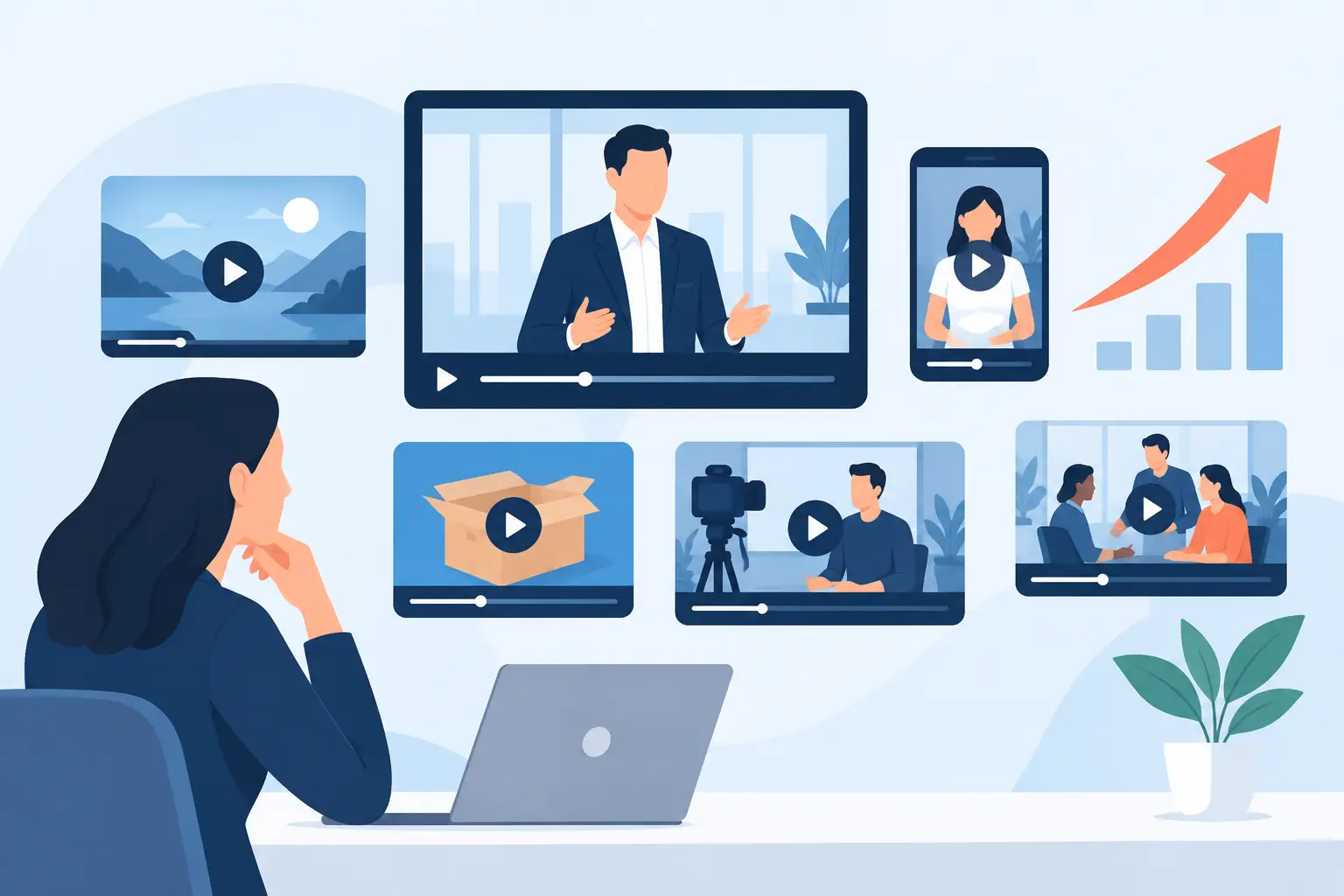
A corporate video can be visually polished and still fail to do its job. The usual reason is not lighting, camera choice, or editing style. It is choosing a format that does not match the decision you need the audience to make. The top corporate video formats work because each one has a defined role: explain, persuade, recruit, train, reassure, or create demand.
For marketing teams, founders, and corporate communications leads, the practical question is not, "Should we make a video?" It is, "Which format gives us usable content for the channel, audience, and deadline we have?" A three-minute customer story, for example, can build trust on a sales page. It will not replace 20 short clips designed to keep a founder visible on LinkedIn, Instagram, or TikTok.
How to Choose Top Corporate Video Formats
Start with the action you want after the view. If the goal is to book a call, show the product in use and remove objections. If the goal is internal alignment, make the message clear, direct, and easy to replay. If the goal is ongoing brand visibility, plan a content system rather than one hero video.
Then consider three production realities: who will be on camera, where the video will live, and how much content you need from the shoot. A CEO with 90 minutes available needs a different format from a product launch with a full crew. A campaign for paid media needs cleaner messaging and faster hooks than a quarterly internal update.
The most efficient productions are built around one primary format and several secondary deliverables. Record the main message once, then capture alternate openings, quick answers, product details, and vertical versions while the set, lighting, and speaker are ready.
1. Executive and Founder Message Videos
Executive messages are designed for clarity and authority. They are useful for company announcements, investor communications, leadership updates, market perspectives, and employer-brand positioning. The strongest version does not sound like a statement read from a podium. It sounds like a prepared leader speaking directly to the people who need context.
Keep the message focused on one subject. A product direction update, a response to an industry change, or a new strategic priority can each stand alone. Trying to cover every business update in one recording creates a long video with no clear takeaway.
A controlled studio setup gives this format a major advantage. Consistent sound, flattering lighting, and a prepared teleprompter-style workflow reduce retakes and make senior speakers more comfortable. An LED background can add branded visuals, presentation graphics, or a premium virtual environment without moving the team between locations.
The trade-off is credibility. Heavy scripting can make an executive sound distant, while loose improvisation can bury the message. Use a strong outline, concise talking points, and enough rehearsal to keep the delivery natural.
2. Brand Films and Company Profile Videos
A brand film gives viewers a fast answer to a larger question: who are you, what do you do, and why should they trust you? It is usually the highest-production corporate format, combining leadership interviews, workplace footage, customer moments, product visuals, graphics, and a clear brand point of view.
This format earns its place on homepages, pitch decks, event screens, recruitment pages, and sales conversations where first impressions matter. For a Dubai-based business working across markets, it can also establish visual credibility before an international client ever meets the team.
A brand film should not try to be an encyclopedia. It needs a central argument. Perhaps your company shortens delivery times, brings specialist expertise, operates at a scale competitors cannot match, or solves a painful operational problem. Build the story around that idea, then use visuals as proof.
The production commitment is higher than a talking-head series. You may need multiple locations, employee participation, approvals, and a more detailed edit. Choose this format when the video will have a long shelf life and support high-value conversations. Do not choose it just because the business needs "a corporate video."
3. Customer Testimonial and Case Study Videos
When buyers are hesitant, a customer story often does more than a polished brand claim. A good case study shows the before-and-after: the problem, the stakes, the decision process, the result, and the reason the customer would choose the company again.
The best interview questions are specific. Ask what was difficult before the partnership, what changed in the team’s day-to-day work, and what measurable result followed. Vague praise such as "they were great to work with" may be genuine, but it is not enough to move a serious buyer.
There are two useful versions. A short testimonial can work in paid social, sales outreach, or a landing page section. A fuller case study can give sales teams a credible asset for prospects with longer buying cycles. Capture both during the same interview by planning questions for quick, self-contained answers as well as the full narrative.
This format depends on access. A recognizable client may need legal review, brand approval, or restrictions on what results can be shared. Plan that approval path before filming, not after the edit is ready.
4. Product Demo and Explainer Videos
Product videos are built to reduce confusion. They show how something works, what it changes, and why the viewer should care now. For software, this could mean a guided workflow. For physical products, it may mean close-up use cases, feature comparisons, or a product launch reveal.
The common mistake is starting with features. Start with the problem the audience recognizes, then show the product solving it. A demo that simply tours every button or specification can become a support document rather than a sales asset.
Screen recordings, tabletop shots, motion graphics, and presenter-led explanations can all work. The right mix depends on complexity. A simple product may need a 30-second social-first demonstration. A technical platform may need a five-minute overview plus short videos for individual features.
Plan versioning early. The same shoot can produce a launch video, sales-demo cut, onboarding clip, FAQ answers, and vertical feature highlights. That approach protects production time and keeps the product message consistent across channels.
5. Recruitment and Culture Videos
Recruitment video works best when it shows the actual experience of joining the company, not a staged version of office life. Candidates want to understand the work, leadership style, growth opportunities, team expectations, and environment they will enter.
Use real employees wherever possible. A concise interview with a team member explaining a project, a manager describing how success is measured, or a new hire sharing why they joined creates more belief than generic phrases about being a "fast-growing family."
Culture content needs balance. It should be aspirational, but it must also be accurate. If the role is demanding, say what makes the challenge worthwhile. If the company operates internationally or on fast timelines, show the systems and people that make that work possible.
For recurring hiring, capture a library rather than a single recruitment film. Team interviews, office details, role-specific clips, and leadership answers can be reused across job posts, careers pages, and social campaigns.
6. Presentation, Training, and Internal Communication Videos
Internal videos are often judged by the wrong standard. They do not need cinematic complexity. They need to be easy to understand, professionally recorded, and simple to distribute. This makes them valuable for onboarding, compliance, leadership briefings, sales enablement, training modules, and event presentations.
A presenter-and-screen format is especially effective when the speaker needs to explain information in a structured way. With a large LED screen, teams can display slides, dashboards, brand visuals, or supporting footage behind the presenter, creating a more focused result than a webcam recording or a slide deck with voice-over.
Break long training material into chapters. People rarely need to rewatch a 45-minute recording to find one process step. Short modules also make updates cheaper when a policy, product feature, or process changes.
For speakers and corporate teams, PROS.CRTV can turn a presentation shoot into a polished main recording and ready-to-publish short clips, without splitting the work across a studio, camera crew, editor, and social-media contractor.
7. Short-Form Corporate Social Videos
Short-form video is not a reduced version of a corporate film. It is its own format, with a different pace and job. The opening needs to earn attention immediately, the idea needs to be narrow, and the visual framing needs to work vertically on a phone screen.
Useful corporate short-form topics include founder opinions, quick product demonstrations, answers to common client questions, event insights, team expertise, hiring messages, and customer outcomes. Each clip should deliver one clear point. Trying to fit a whole company story into 30 seconds usually produces a message that viewers forget.
The operational advantage is volume. A planned four-hour shoot can create a month of content when the team arrives with prepared prompts, key messages, wardrobe options, and a clear approval process. Same-day or next-day delivery matters here because social content loses value when editing sits in review for weeks.
Short-form content still needs production discipline. Clean audio, intentional lighting, correct framing, captions, and concise edits signal that the company respects the audience's time. Fast does not have to look rushed.
Build Around the Format, Not the Camera
A camera package does not create a useful corporate video. A defined format does. Decide what the viewer should understand or do, choose the format that supports that outcome, and plan every shoot for more than one deliverable.
If your next recording needs to inform, persuade, and keep your channels active, schedule the production around those outputs before anyone steps on set. That is how a single shoot becomes a working content library rather than another file waiting for a purpose.
Ready to shoot this?
Bring the brief to the stage — LED wall, mirror floor and a crew that turns ideas like this into finished content — same day on selected packages.
Book the studio