Vertical Video Versus Landscape Video Explained
Vertical video versus landscape video affects framing, shoot costs, and results. Choose the right format for Reels, ads, presentations, and more today.
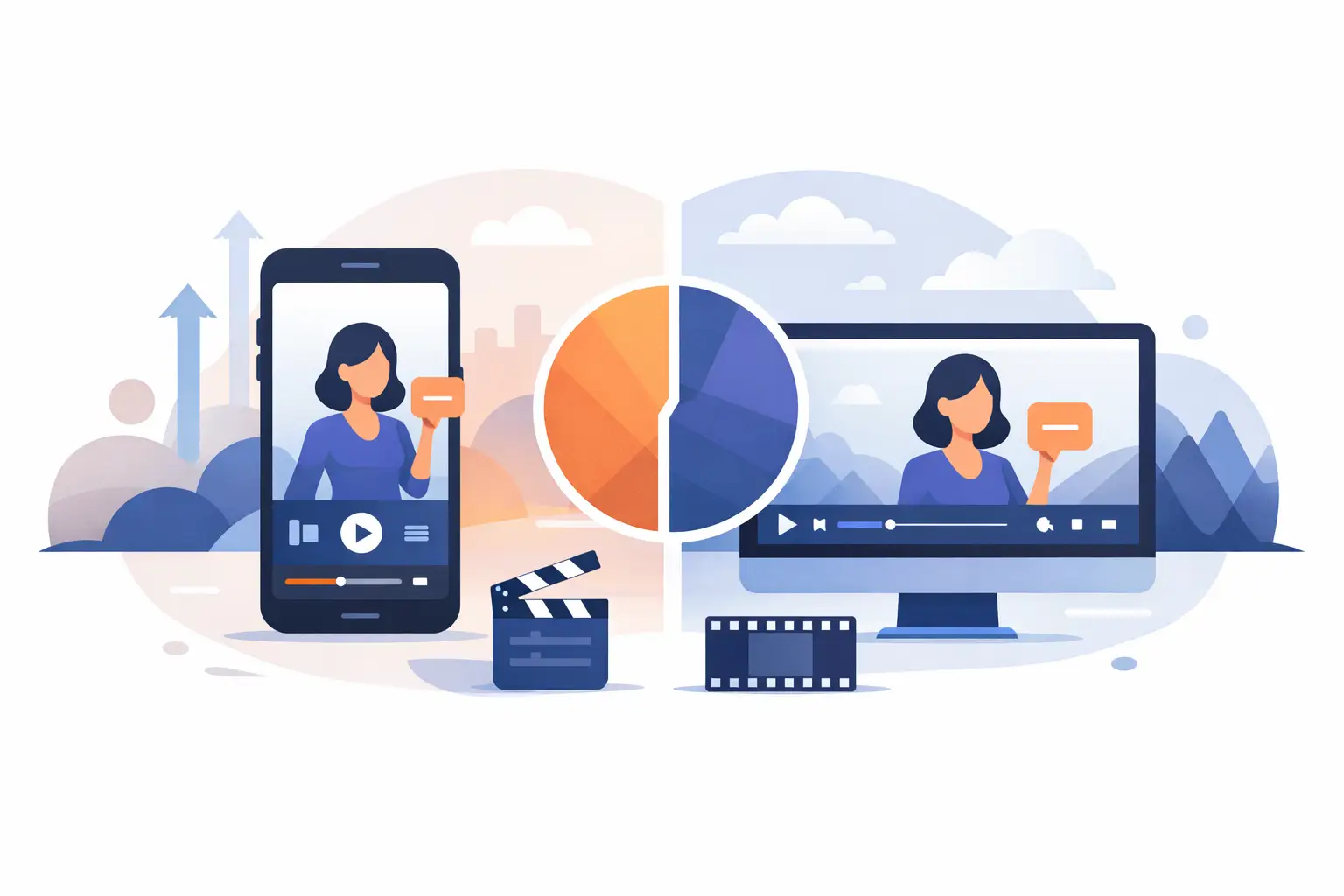
A founder steps into a studio with one goal: create a month of content in one afternoon. Then the question arrives before the first light is positioned: vertical video versus landscape video - which format should we shoot? The wrong answer can turn a polished production day into a stack of clips that feel cropped, awkward, or unusable on the platforms that matter.
Format is not a finishing detail. It affects the script, talent blocking, LED screen graphics, camera position, lighting coverage, edit time, and how much content you can take from a single session. Choose it before the shoot, not after the camera rolls.
Vertical Video Versus Landscape Video: The Real Difference
Vertical video is built for a 9:16 frame. It fills a phone held naturally in portrait orientation and is the native format for Instagram Reels, TikTok, YouTube Shorts, and much of the paid social inventory people see while scrolling. It puts the subject close, makes direct-to-camera delivery feel personal, and earns more screen space in a mobile feed.
Landscape video uses a 16:9 frame, the standard shape for YouTube, websites, presentation screens, webinars, broadcast-style interviews, and many corporate video environments. It gives the scene room to breathe. You can show multiple speakers, wider movement, a product demonstration, or a detailed LED-screen background without forcing everything into a narrow column.
Neither format is objectively better. The useful question is: where will this video be watched, and what must the viewer see to understand it? A talking-head Reel and a CEO presentation can use the same speaker, same studio, and same lighting kit, but they are not the same shot.
Choose Based on the Job, Not the Trend
For short-form social content, vertical is usually the commercial choice. It is designed around a full-screen mobile experience, where the first second needs to stop the scroll. A presenter can hold eye contact with the lens, deliver one focused point, and move directly into a clear call to action. This is the format to prioritize when the goal is volume: product hooks, expert tips, personal-brand content, customer answers, founder commentary, and campaign variations.
Vertical also works well when speed matters. A focused studio session can generate 25 or more distinct Reels if the concepts, wardrobe options, graphics, and delivery structure are prepared in advance. The point is not simply to make short videos. It is to leave with a content library built for publishing.
Landscape is stronger when the message needs context. Consider a corporate announcement with slides, a panel conversation, a product walkthrough, a branded film, an educational masterclass, or a video that will sit on a homepage. In these cases, cropping down to vertical may remove the very information that makes the video useful.
A wide frame can also feel more premium for interviews and campaign films because it creates space for composition. You can place the speaker off-center, use foreground elements, show set design, or feature an LED environment at scale. That room is valuable, but it must serve the message. A wide shot of one person talking for 30 seconds can look distant on a phone.
Why “We’ll Crop It Later” Often Fails
Shooting landscape and planning to crop vertical versions later sounds efficient. It can be, but only under controlled conditions. The camera needs enough resolution, the subject must stay near the crop-safe center, graphics must be designed for both shapes, and the background cannot contain essential information at the edges.
The most common problem is composition. In a landscape interview, a speaker may sit on the left third of the frame while a screen or visual detail lives on the right. Crop that image to 9:16 and one of those elements disappears. Reframing may save the face, but it cannot preserve the original storytelling.
On-screen captions create another issue. Short-form platforms benefit from large, readable subtitles, but interface buttons and captions can cover the lower portion of a vertical frame. If the original landscape shot leaves no headroom or lower-frame space, editors have limited options.
The reverse conversion has limits too. A vertical video placed in a 16:9 player may appear with empty side areas or require a designed background treatment. That is acceptable for a social compilation or internal screen, but it rarely feels like a native landscape production.
The practical answer is to shoot one master format when the content is simple and the distribution is clear. Shoot purpose-built versions when the campaign needs both formats to perform at a high level.
Plan the Frame Before You Build the Set
A production-ready studio makes format decisions easier because lighting, sound, camera positions, and screen content can be adapted quickly. The creative plan still has to lead.
Start with the primary output. If 80 percent of the deliverables are Reels, build the session around vertical. Position the talent for a tight, confident composition. Keep products, hand gestures, and screen graphics inside a vertical safe area. Design the LED wall content in portrait or create a background that remains convincing when cropped.
If the shoot includes a keynote, training module, or corporate presentation, landscape may be the master. Give the presenter room to move and make sure slides are readable from the intended camera angle. Then schedule separate vertical pickups for key statements, hooks, and promotional clips. Those extra takes are usually faster and less expensive than repairing a poor crop in post-production.
For campaigns that need both, use a center-safe composition only when it does not weaken the image. Keep the main speaker and critical action in the central area, but avoid making every shot symmetrical and flat just to protect future crops. A better approach is to plan two camera positions or repeat select lines in each orientation.
The LED Screen Changes What Is Possible
Large-format LED screens add visual range, but they also raise the stakes for format planning. A virtual cityscape, product interface, presentation deck, or branded animation must be designed to fit the frame the audience will actually see.
In vertical video, the LED screen can become a bold portrait backdrop. Think high-contrast motion graphics, oversized typography, a product close-up, or a branded environment with clear depth. Fine details are less useful because a mobile viewer will not pause to inspect them.
In landscape, the LED wall can carry a broader world. It is ideal for wide presentation slides, cinematic environments, multi-person conversations, and narrative visuals that benefit from horizontal movement. The mirror floor can extend that environment visually, creating a more dimensional scene when camera angles and lighting are planned correctly.
Do not treat the screen as decoration. Give it a role: reinforce the key point, establish location, support a product story, or make the first frame impossible to ignore. If it competes with the speaker, the shot becomes busy in either orientation.
Budget, Time, and Editing Trade-Offs
One-format shoots are faster. They require fewer resets, fewer versions of graphics, and a cleaner editing workflow. If the distribution plan is clear, that efficiency can translate into more finished assets from the same studio booking.
Two-format shoots require more discipline, not necessarily twice the budget. The team needs a shot list that identifies master takes, vertical pickups, landscape segments, and screen versions. Wardrobe, camera height, teleprompter position, and lighting may need small adjustments between setups. These details take minutes during production and save hours in the edit.
The costliest choice is ambiguity. A team that arrives asking for “some content” often spends time deciding on concepts under studio lights, then expects every take to work everywhere. Defined formats produce defined deliverables: for example, 20 vertical Reels for social, three landscape leadership videos for a website, and short vertical trailers to promote the longer pieces.
For businesses that need content quickly, same-day or next-day short-form delivery is most realistic when the format, edit style, hooks, captions, and approval process are agreed before shooting. Fast turnaround is a production system, not an editing trick.
A Simple Decision Rule
Choose vertical when the viewer is likely holding a phone, the message is short, and the goal is attention, reach, or direct response. Choose landscape when the story needs width, detail, multiple people, slides, or a more cinematic presentation. Plan both when each channel has a real business role and the content budget supports purpose-built takes.
At PROS.CRTV, this decision is best made before the studio clock starts. A 90+ m² space, LED setup, prepared lighting, and sound give a team flexibility, but the highest-value shoots begin with a defined publishing plan. Bring the platforms, deliverable count, and visual references into pre-production. Then let every camera angle earn its place in the final content library.
The strongest format is the one your audience will watch without noticing the format at all. Make that decision early, frame it with intent, and your next shoot can produce content that is ready to publish rather than merely ready to edit.
Ready to shoot this?
Bring the brief to the stage — LED wall, mirror floor and a crew that turns ideas like this into finished content — same day on selected packages.
Book the studio